library section of your workspace. These could be executable or just the schema and then attached to your prompt for testing.
Attach and Run Your Tools in Playground
1
Create a new tool
Create a new tool in the library. Use an API or code for executable tools and schema if you only want to test tool choice.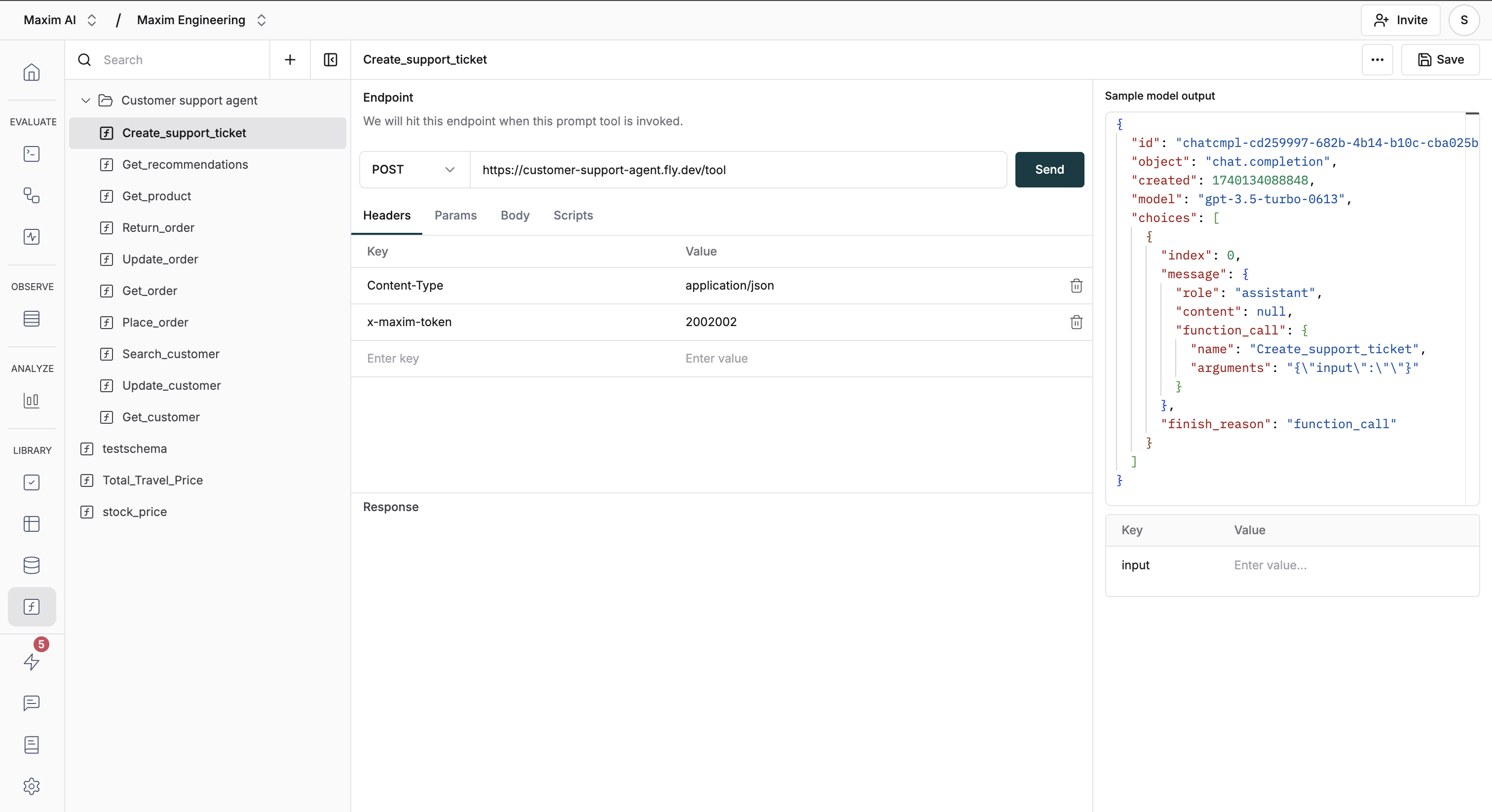
2
Attach tools to your prompt
Select and attach tools to the prompt within the configuration section.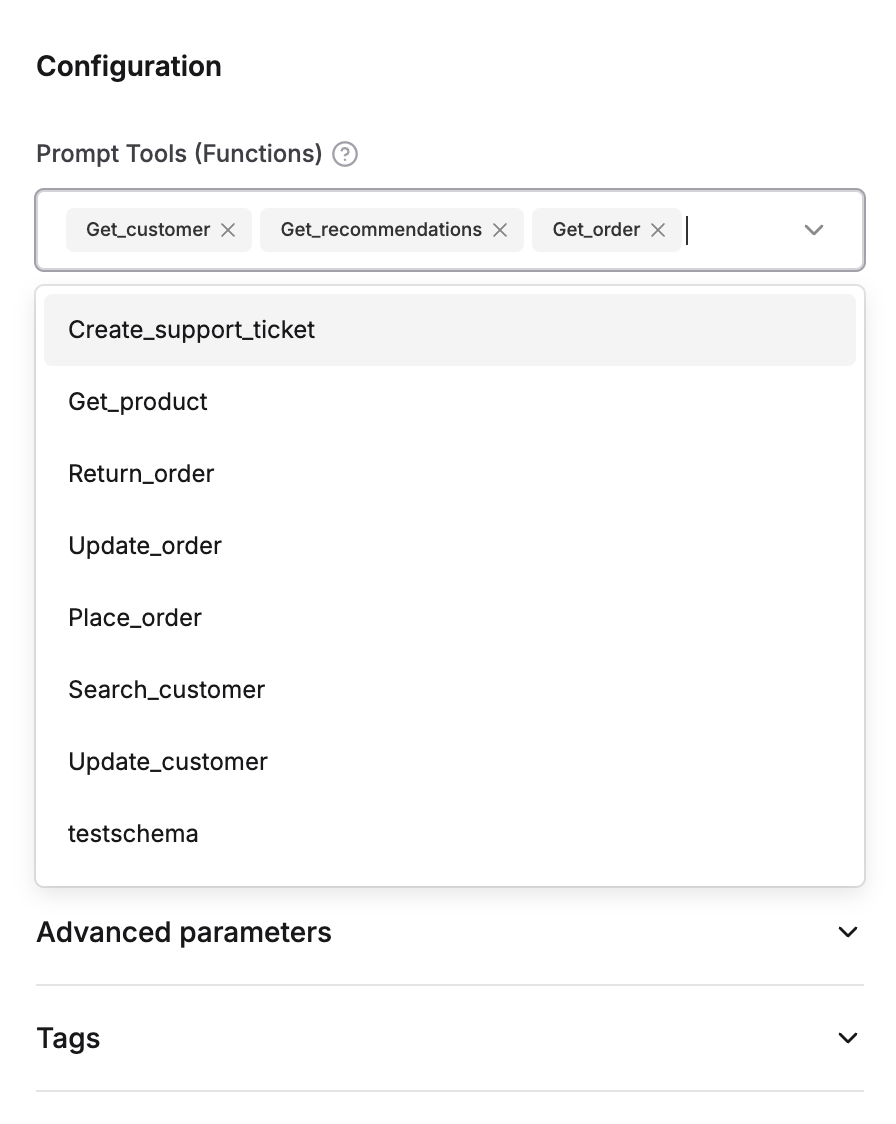
3
Send prompt with tool instructions
Send your prompt referencing the tool usage instructions.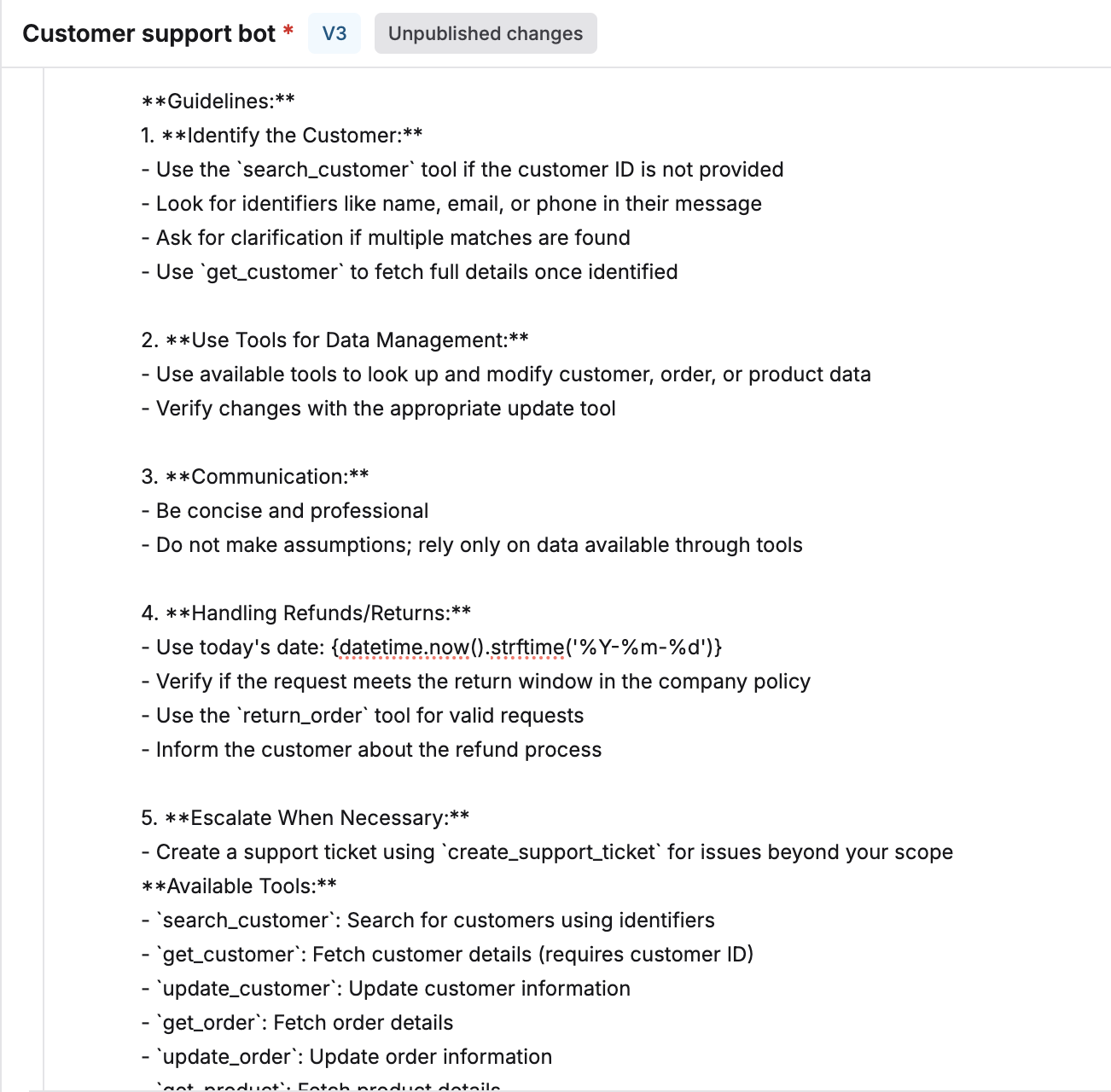
4
Review assistant's tool selection
Check the assistant response with tool choice and arguments.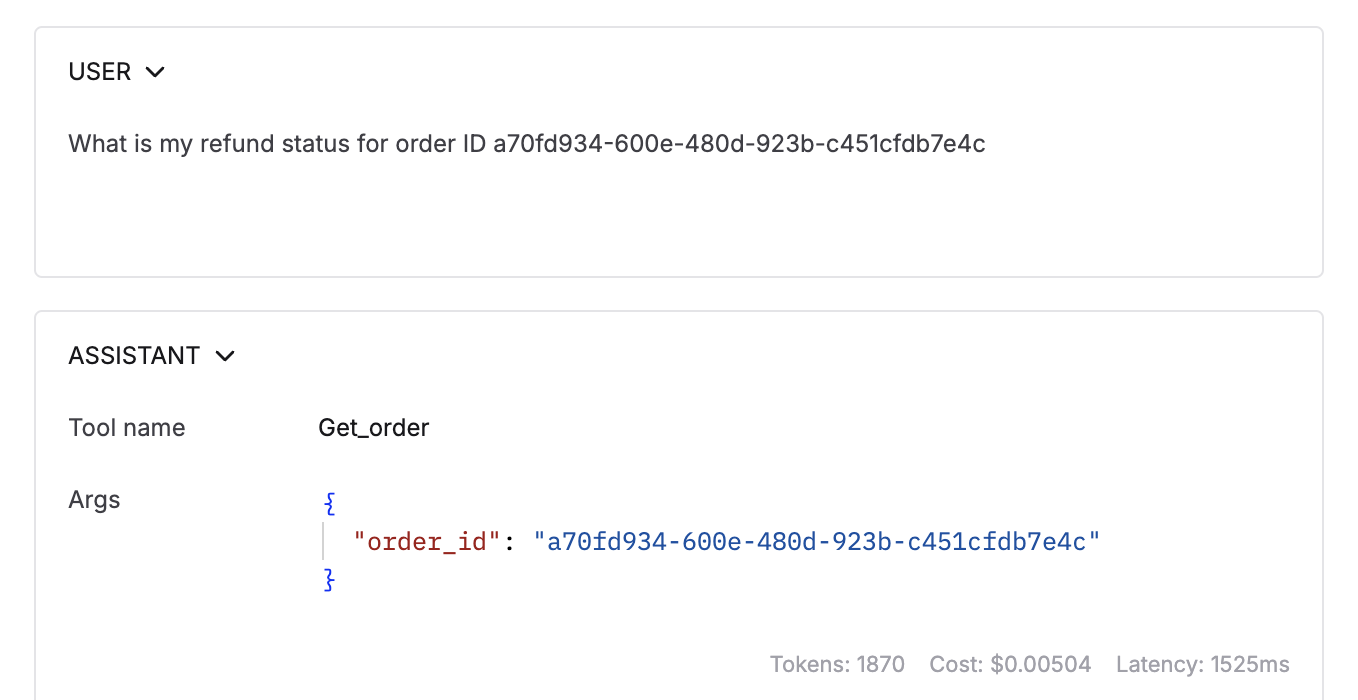
5
Examine tool execution results
For executable tools, check the tool response message that is shown post execution.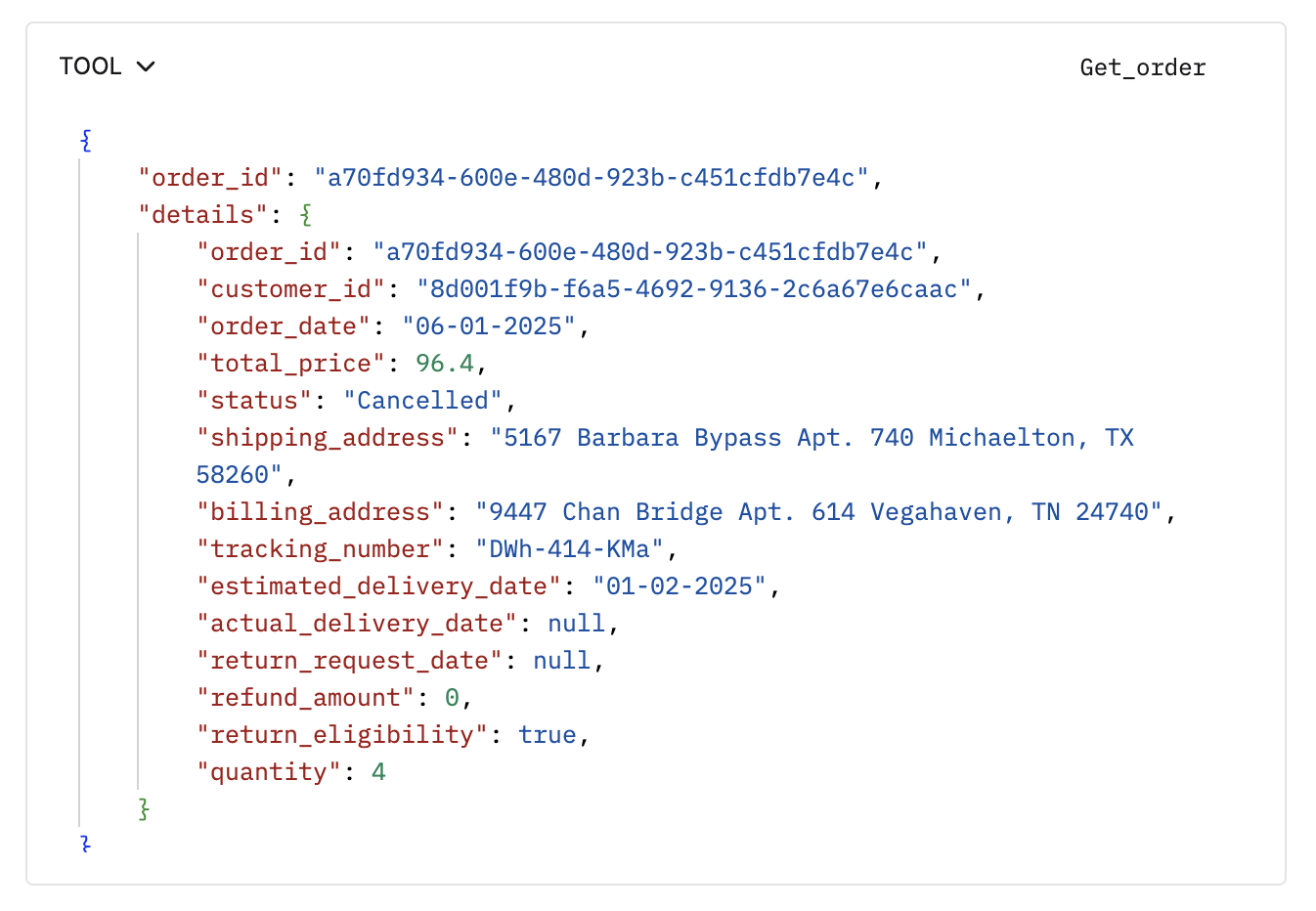
6
Manually test different scenarios
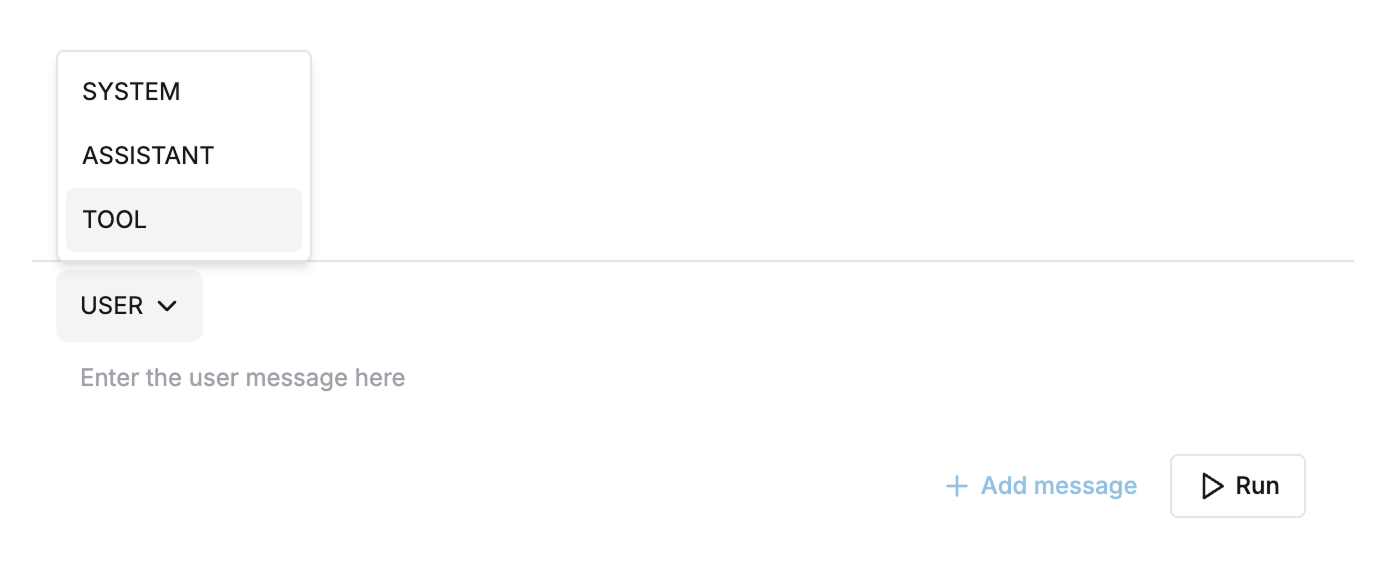
Edit tool type messages manually to test for different responses.